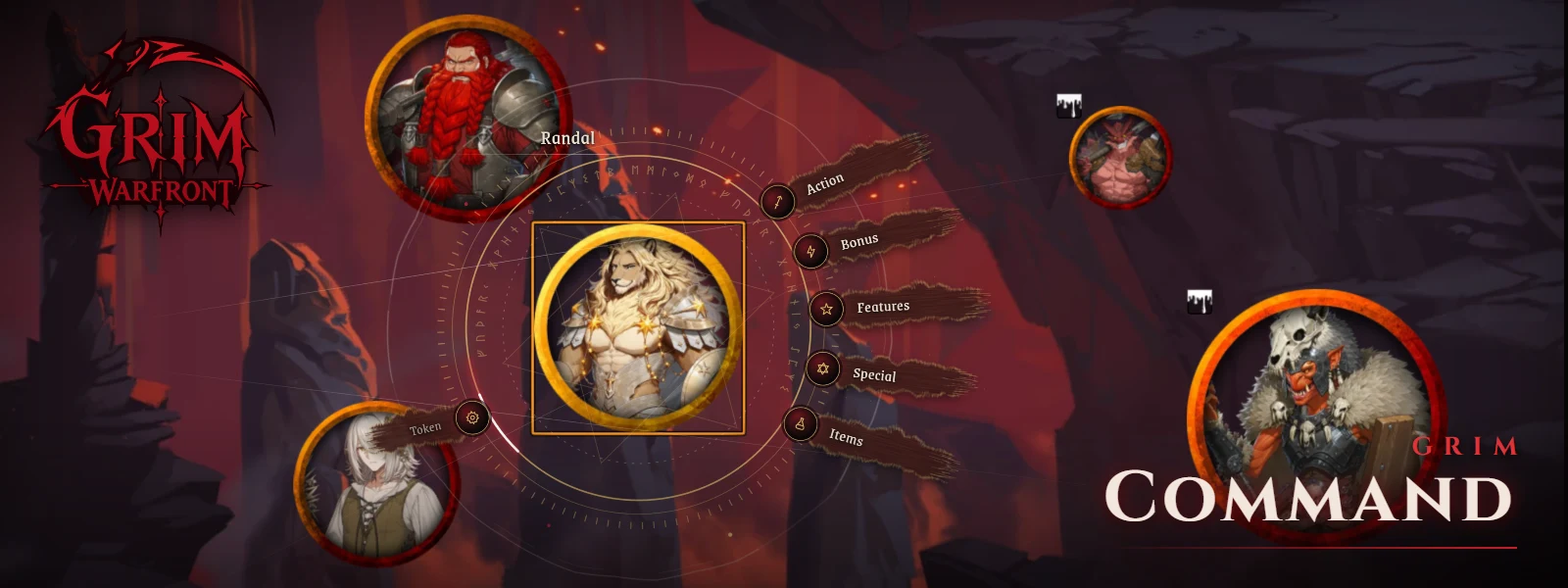
A JRPG-style command HUD for dnd5e. When it is your turn, a magic circle opens around your token with five categories: Action, Bonus Action, Features, Special and Items.
How it works
- Menus open on the ring itself: Action becomes Weapons, Spells and Abilities, and Spells becomes one circle per spell level with slot pips.
- Upcasting: a spell stays usable while you have a slot of its level or higher, and the hover card lists every slot you can cast it with.
- Action economy: using an action or bonus action greys that category for the rest of the turn.
- Movement: the outer ring fills as the token moves, and Dash adds your speed again.
- Token mode swaps the commands for the token’s own tools: conditions, HP, elevation and more.
Roll window
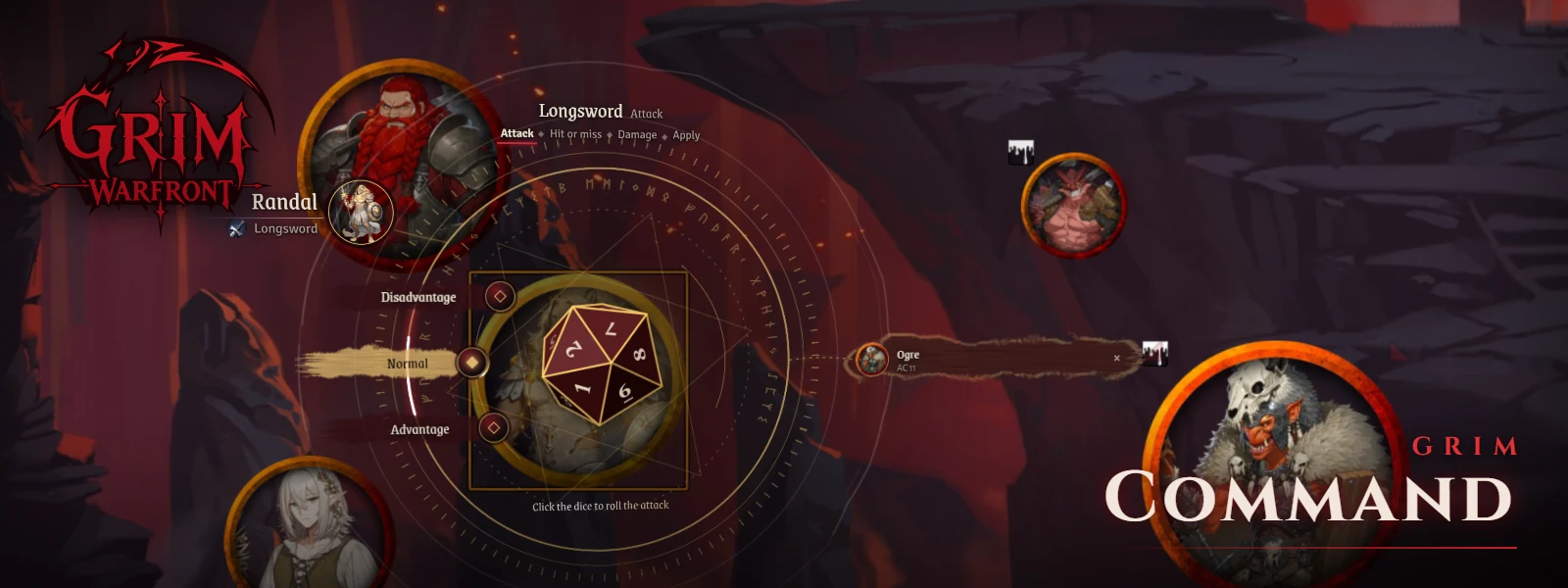
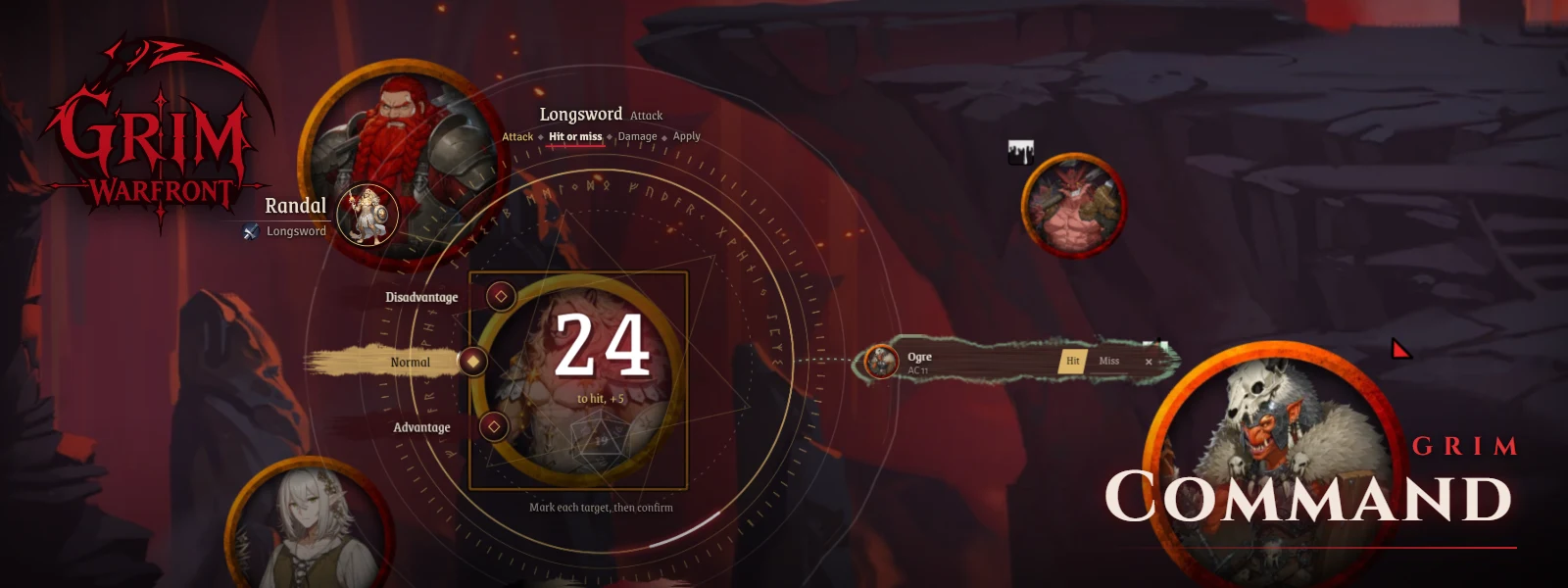
Attacks, saves, damage and healing open a shared roll view with a 3D die: pick targets, roll to hit, let the GM confirm hits and saves, then roll and apply damage. Reactions such as Shield and Counterspell can answer the same roll.
Works with Grim Diorama in 3D and Grim Cut-In.
Details
- Game System
- D&D 5e 5.0.0+
- Foundry VTT
- v13–v14
- Latest version
- v1.0.0
- Series
- Grim
Changelog
v1.0.0
Release v1.0.0